Stockity Trading: Platform Access & Demo
Looking for stokity.id/trading? This page walks you through entering the Stockity trading platform: the free demo account, account tiers, deposits and withdrawals, and the risks to understand before you start.
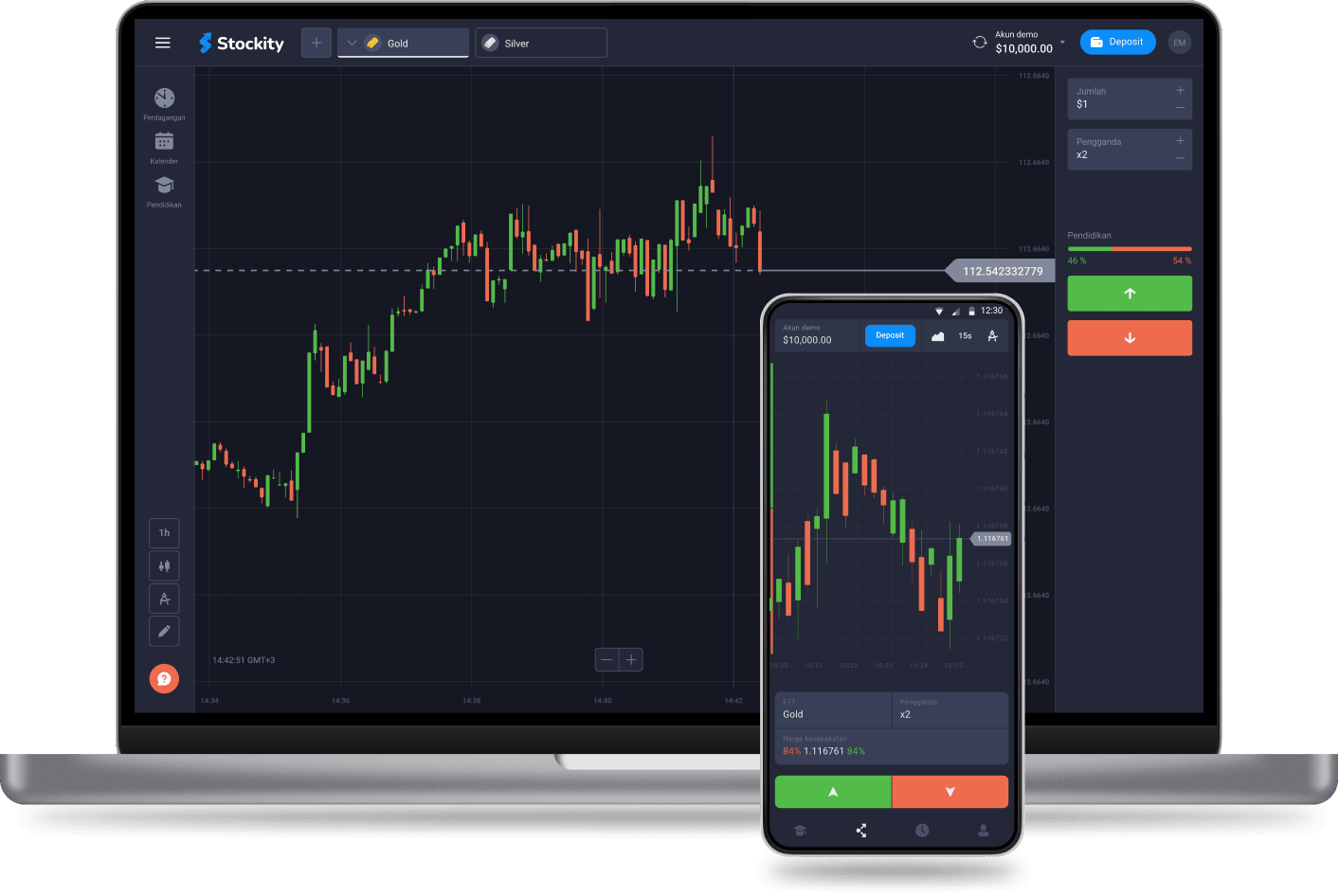
What to Know Before Trading
Five things that shape the trading experience on Stockity the most, from the terminal to user support.
One Screen for Everything
Price charts, balance, trade history, and execution buttons sit in a single terminal, so beginners never need to hop between menus.
Limits You Set Yourself
You choose the size of every trade starting from small amounts, so your exposure always stays under control.
Practice Without a Deposit
A virtual balance lets you test strategies and get used to price movement without putting real money on the line.
Built-in Indicators
Popular technical indicators are available right inside the terminal for reading price direction, though no indicator is right every time.
Support When You Need It
Account, deposit, or withdrawal issues can be raised through the official support channels of the platform.
Key Numbers Before You Start
The figures prospective users ask about most. Actual values in your account may differ, so always check the dashboard before trading.
Virtual capital for practising in the terminal without touching real money.
Your first top-up can vary by payment method and region.
The fastest trade duration commonly shown in the terminal.
Duration options can shift with the instrument and platform policy.
The smallest stake for a single trade, handy for testing new strategies.
*A general reference, not a guarantee. The values that apply are the ones shown in your account when you trade.
Account Tiers for Trading
Your account tier sets the trading conditions you get. There is no rush to level up: the demo and the base tier are plenty to get started.
Standard
The entry point for trading with real funds; the core terminal features open up at this tier.
Gold
Aimed at users who trade regularly and want more flexible conditions.
VIP
Adds extra facilities for users with larger trading volumes.
Platinum
The top tier; confirm its exact facilities directly inside your account.
Start with the Demo Account
Before picking a real tier, get to know the terminal and the rhythm of the market with a virtual balance: free, with no deadline on learning.
The terms of each tier can be revised by the platform at any time. We compare them in full in our Stockity review.
Track Positions with the Stockity App
The trading terminal also opens on your phone, so positions stay in view wherever you are. Installation steps and security tips are in our Stockity app guide.
- Open and close positions right from your hand.
- Follow charts and indicators in the mobile view.
- Check trade history and account activity any time.
- Manage login security straight from your device.
- Synced with the same account as the web version.
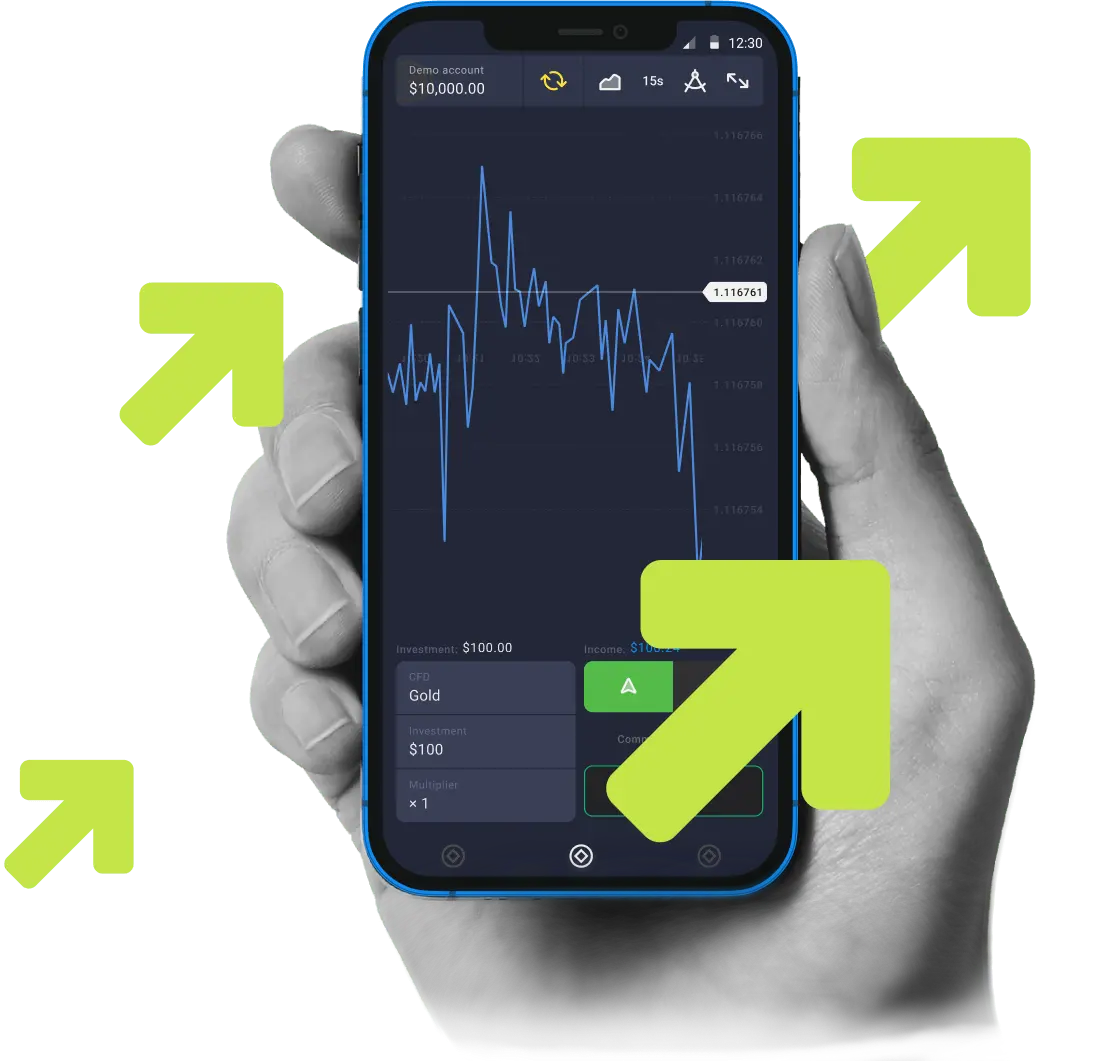 Terminal login preview
How to Enter the Trading Platform
Three steps from this page to an open trading terminal.
Register an Account
Use the buttons on this page, fill in your details accurately, then secure the email you use to log in.
Log In & Open the Terminal
Once authentication succeeds, the terminal opens straight into demo mode with a virtual balance ready to use.
Practise First, Then Decide
Use the demo as long as you need; deposit only once you truly understand how it works and what the risks are.
Deposits & Withdrawals
Indonesian users have several payment routes; the exact list only appears in your account after logging in.
E-Wallets
Digital wallets popular in Indonesia are generally supported for deposits.
Cards & Banks
Deposits by card or bank account follow the terms of each bank.
Local Channels
Other local payment options may appear depending on your region and active partners.
Depositing
Usually arrives within minutes*Speed depends on the chosen method and the verification status of your account.
Withdrawing
Processed in request order*Weekends and extra checks can stretch the processing time.
Worth Noting
- Deposit and withdrawal minimums appear when you pick a method.
- Withdrawals generally return to the same funding source.
- Identity verification may be requested before your first withdrawal.
*Estimates, not a service promise. We cover the technical steps in our deposit and withdrawal guide.
Stockity Referrals
Beyond trading, Stockity runs a referral program for those who want to introduce the platform. Our own position as a partner is disclosed on the disclaimer page.
Invite Link
Registered participants get a personal link for inviting new users.
Invite Statistics
The partner dashboard shows how your successful invitations develop.
Promo Materials
Official materials keep the information you share accurate.
Ground Rules
Promotion must stay honest; breaking the rules can void rewards.
Partner Contact
Program questions are answered through a dedicated partner channel.
Stockity Trading Questions & Answers
Short answers to the questions that come in most often about trading on Stockity.
Is stokity.id the official Stockity site?
No. stokity.id is an independent guide site; the official trading terminal sits on the Stockity domain, and the buttons on this page lead there.
How do I get into the trading platform?
Register or log in through the buttons on this page; once authentication succeeds, the terminal opens automatically with demo mode active.
Can I try trading with no money?
Yes. The demo account provides a virtual balance, so every terminal feature can be tried without any deposit at all.
What is the minimum to trade with real money?
The first deposit generally starts at $10 with trades from $1; check the exact figures inside your account.
Do demo results match the real account?
The mechanics are the same, but the psychological pressure of real money often makes real-account results differ from the demo.
What is the biggest risk?
Funds placed on a trade that goes the wrong way are lost. Only use money you are truly prepared to let go.
Can I trade from my phone?
Yes, via the app or a mobile browser. The guide is on the Stockity app page.
Affiliate and risk disclosure: stokity.id is run independently and may receive a commission from sign-ups made through partner links on this page. Trading carries a high risk, up to the loss of all your funds. We are not the platform operator and never hold user money. Full details in our Disclaimer.